

RaiPlay
SupportedItalian series, documentaries, news, and films with available Italian captions. RaiPlay login and regional availability still apply.
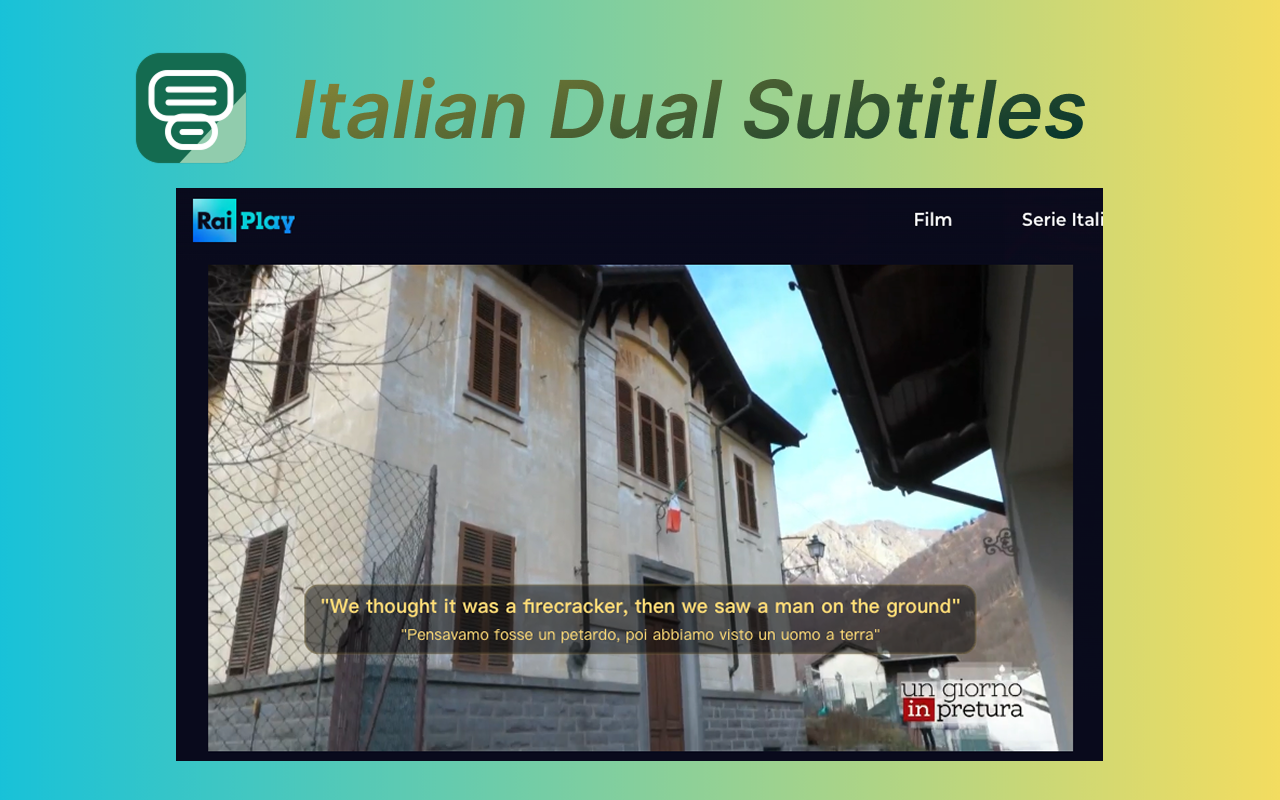
Watch RaiPlay with Italian subtitles and a translation in one of 45 languages. Hover to translate a word, or click it to see its meaning in Italian.
SUPPORTED PLATFORMS
Dual subtitles work on supported RaiPlay videos. A video needs an accessible Italian caption track for the extension to translate it.
Italian series, documentaries, news, and films with available Italian captions. RaiPlay login and regional availability still apply.
More Italian video platforms may be added in future releases.
Keep the original Italian subtitle on screen and follow the translation alongside it in real time.
MADE FOR REAL-LIFE LEARNING
No textbook dialogue. No stopping every ten seconds. Follow authentic news, stories, and shows with just enough support to stay in the moment.
Show Italian and English subtitles together on supported RaiPlay videos, with 44 other target language options available.
Add translated subtitles to supported RaiPlay videos while keeping the original Italian captions visible.
Turn Italian news, documentaries, children’s programs, and shows into listening and vocabulary practice.
Install the Chrome extension, choose your language, and customize how both subtitle lines look and where they appear.
Follow both subtitle lines, translate a word on hover, or click to explore its Italian meaning.
Follow the original Italian line and your translated line side by side while the video plays.
Hover over any Italian subtitle word to see an instant translation.
Click a word in the original Italian subtitles to read its meaning in Italian without leaving the video page.
Install quickly, pick your language, and start watching with a simpler, smoother subtitle experience.
Use the install button to get the extension and follow the setup guide.
Play a supported video on RaiPlay with Italian captions.
Pick your target language and start watching with bilingual subtitles immediately.
Start free. Upgrade for unlimited subtitles.
300 subtitle translation tasks
Try bilingual subtitles before choosing a paid plan.
Billed weekly
Unlimited translated subtitles for a short stay or a week of learning.
Billed monthly
Unlimited translated subtitles with flexible monthly billing.
€4.08 per month
Unlimited translated subtitles for the full year.
GOOD TO KNOW
Everything you need to start watching Italian media with a little more confidence.
Click a word in the original Italian subtitles to see its meaning in Italian without leaving the video page. Hover over a word for a quick translation.
Italian definitions and examples are automatically translated into your selected language. Hover over a word for a quick translation.
Yes. Dual Subtitles shows the original Italian subtitle line together with a translated subtitle line, including English and many other languages.
The extension supports RaiPlay when a video has an available Italian subtitle track.
Yes. Italian Dual Subtitles works in Chrome or Chromium-compatible browsers. The install page provides the current download and setup instructions.
Yes. It is built for Italian learners who want listening practice, vocabulary support, and better comprehension while watching real Italian media.
Supported languages include English, Spanish, French, German, Italian, Japanese, Korean, Arabic, Russian, Turkish, Dutch, Polish, Ukrainian, Hindi, Chinese (Simplified), Chinese (Traditional), Indonesian, Vietnamese, Thai, Malay, Romanian, Bengali, Urdu, Persian, Hebrew, Filipino, Azerbaijani, Portuguese (Brazil), Portuguese (Portugal), Swedish, Danish, Finnish, Norwegian, Czech, Slovak, Hungarian, Greek, Bulgarian, Croatian, Slovenian, Estonian, Latvian, Lithuanian, Serbian, Albanian.
Yes. You can customize the appearance and position of both the original Italian subtitles and the translated subtitles independently.
Start with the shows you already want to watch. We’ll bring the subtitles.
Add to Chrome — Try free